Onboarding de clientes
The form I send to whoever hires me for a website: the client answers and uploads photos through a link, at their own pace, and I follow everyone on a board.
- Live since October 2026, replacing a Word file and three Drive folders
- 11 steps, every field saved on its own; the link never expires and reopens on the step where the person stopped
- No login for the client: one unique link per project, uploading straight to Storage
- Database locked by RLS with no public policy at all; every access goes through the server
How it worked before.
Every website I build starts with the same questions: what the person sells, to whom, for how much, what proves it works. I used to send a Word file to fill in and three Drive folders for the logo, photos and screenshots.
The Word file came back half done, the photos arrived loose over WhatsApp days later, and I had nowhere to see, at a glance, who had already answered and what was still missing from each one.
What changed.
I create the client, copy the link and send it. They open it on the phone, with no sign up, and answer in 11 steps. Every field is saved on its own as the person types; if they close the tab, the link reopens on the step where they stopped, with everything loaded. Whoever does not have the photos yet finishes the text and comes back days later on the same link, without filling anything in again.
On my side it is a board: Link sent, Filling in, Answered and Project started. The card moves by itself when the client starts and when they finish, and shows what is missing: text, photos, visual identity. The client page holds the answers in the order of the form, the files by category with a zip download and a button that copies everything as Markdown, ready to become the site copy.
The questions live in a single configuration file: changing the questionnaire touches no screen. The client never talks to the database. Every read and write goes through the server, which checks the link, and files go up through a signed address after type and size are checked.
A look inside.
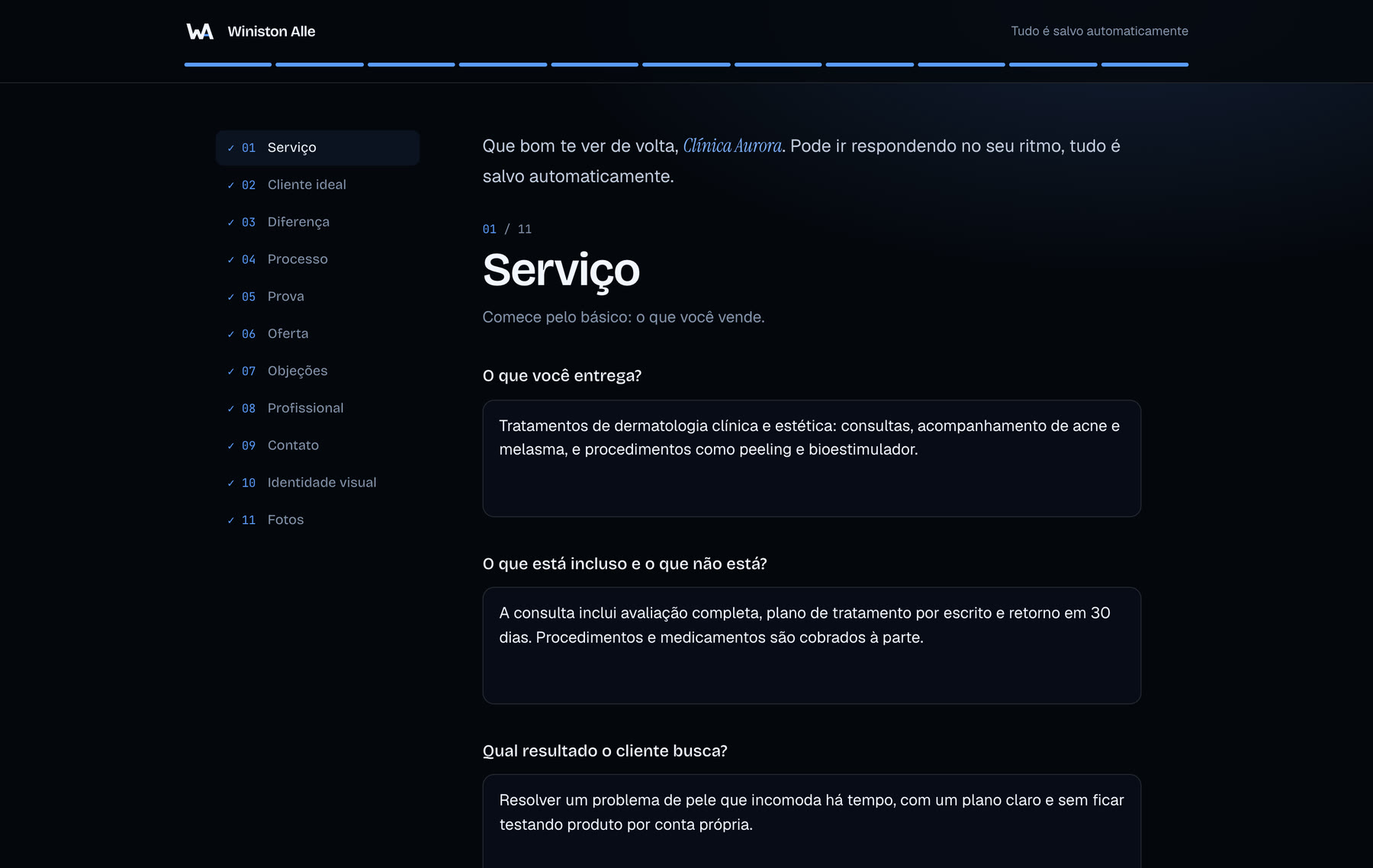
The form the client sees. The top bar and the side list show what has been answered, and the note in the corner says when it saved. The clients on these screens are fictional. 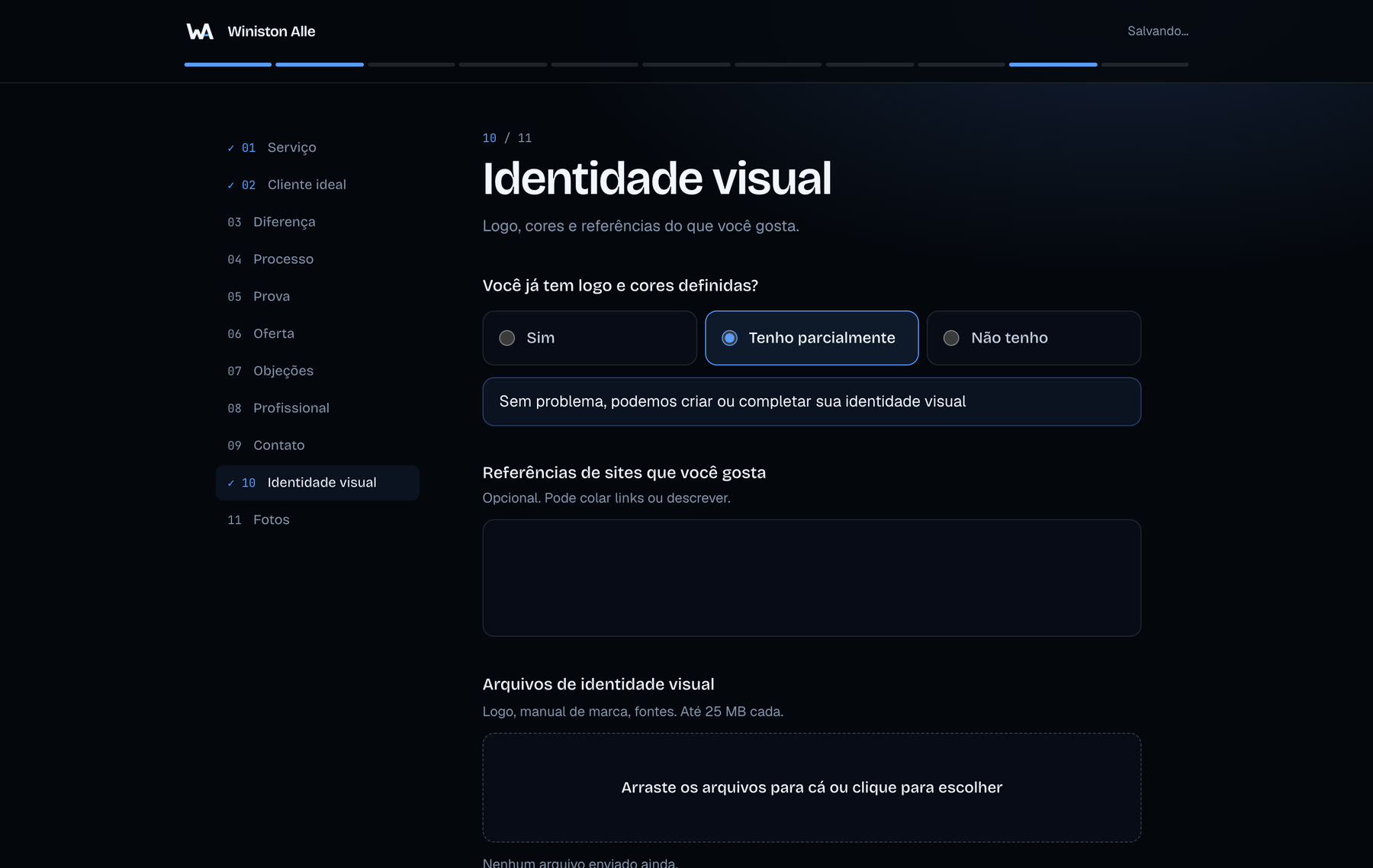
Whoever has no logo or defined colors is told right away that it can be sorted out, and their card gets a badge on my board. I know before I open the project. 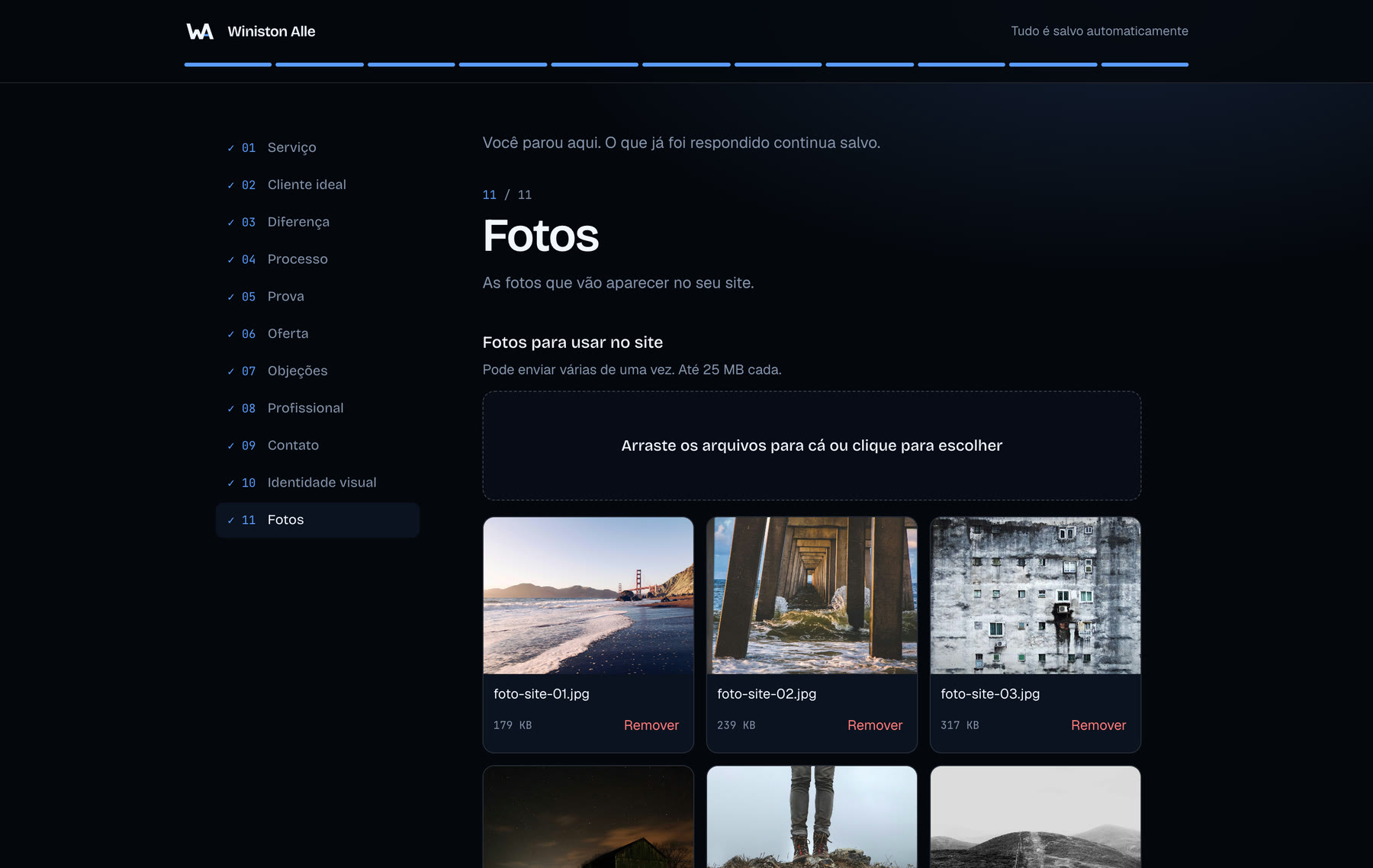
Photos go straight to Storage, with a progress bar per file. On the phone the same area opens the camera or the gallery. 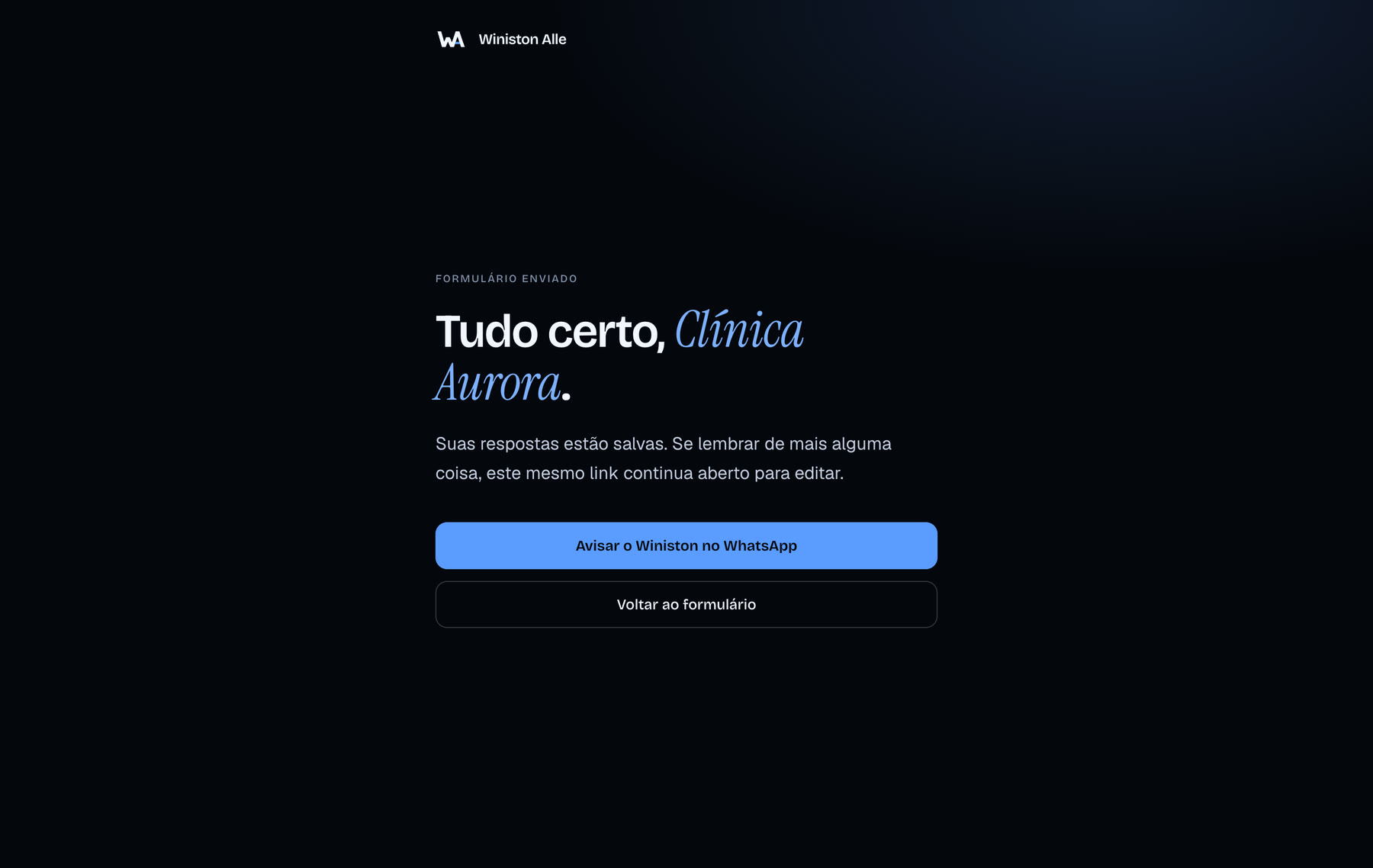
On finishing, a button opens the WhatsApp chat with the message ready. If the photos were left for later, the message already says so. 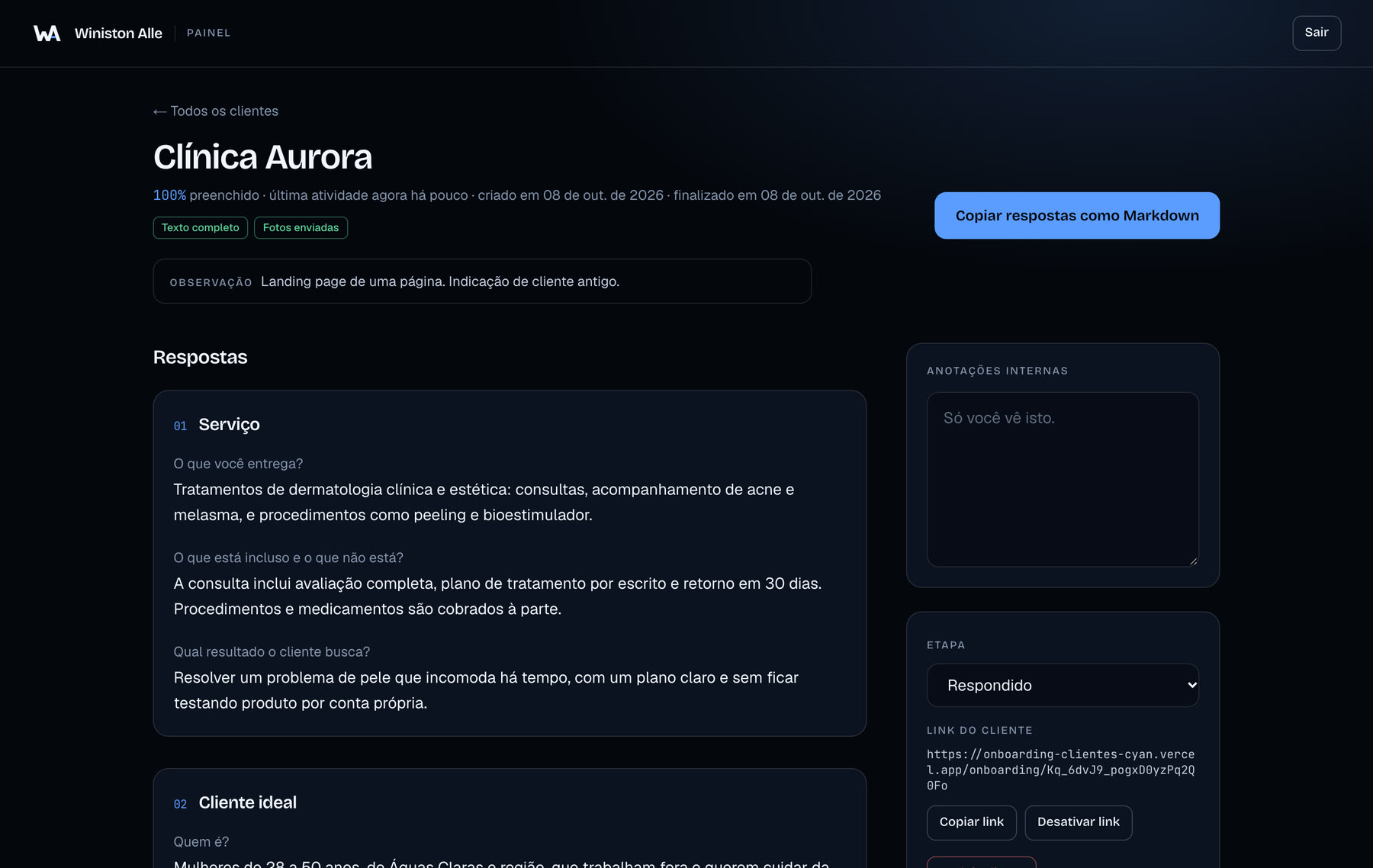
Each client page: answers in the order of the form, notes only I can see and the button that copies everything as Markdown. 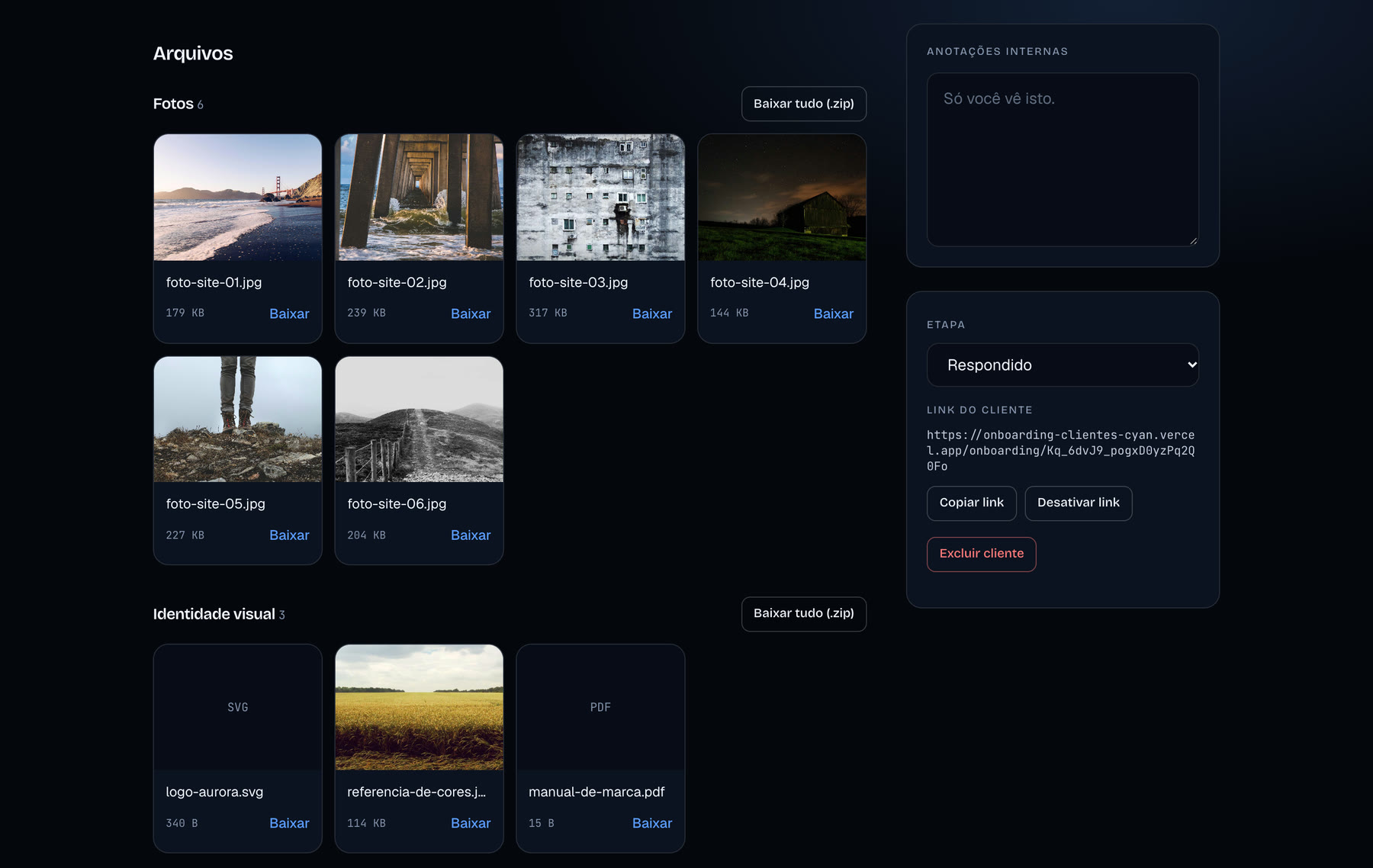
Files arrive split by category, in place of the three Drive folders. Each one downloads on its own, or the whole category comes as a zip.